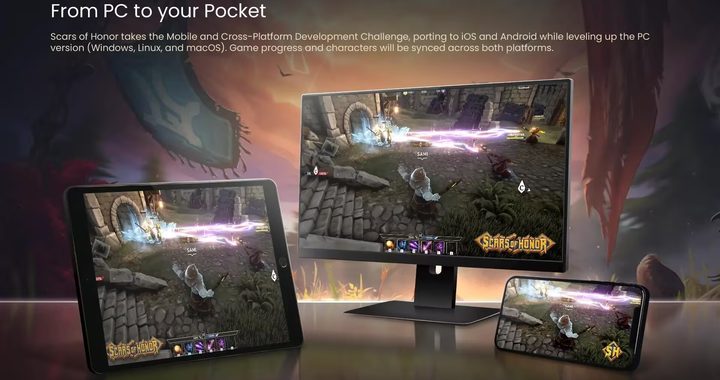
Building a budget gaming PC is a great choice for players who want smooth game performance without spending a huge amount of money. You do not need top‑tier flagship parts to enjoy most modern PC games. With reasonable component matching, a budget‑friendly computer can run many popular titles at 1080P with stable frame rates. This guide will walk you through core component selection, what to avoid, and practical tips for your budget gaming build.
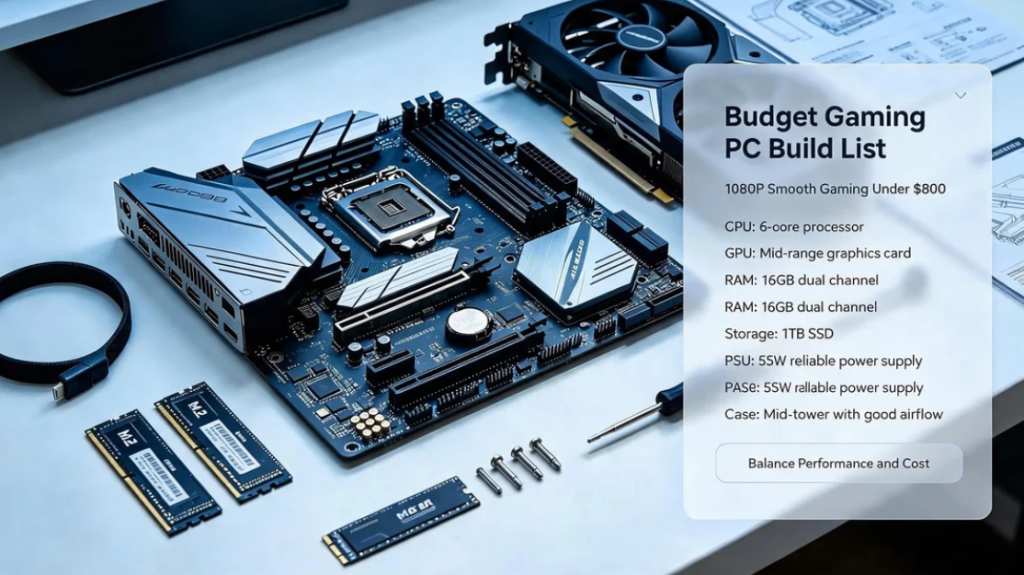
What performance can you expect from a budget gaming PC
A well‑balanced budget build focuses on 1080P gaming. Most mainstream games can run at 60‑100 FPS under medium‑high graphic settings. It handles esports titles very well, and can also play many open‑world single‑player games smoothly. It is not designed for 4K ultra‑high‑definition gaming. If your main demand is 4K gaming, you will need to raise your total budget.
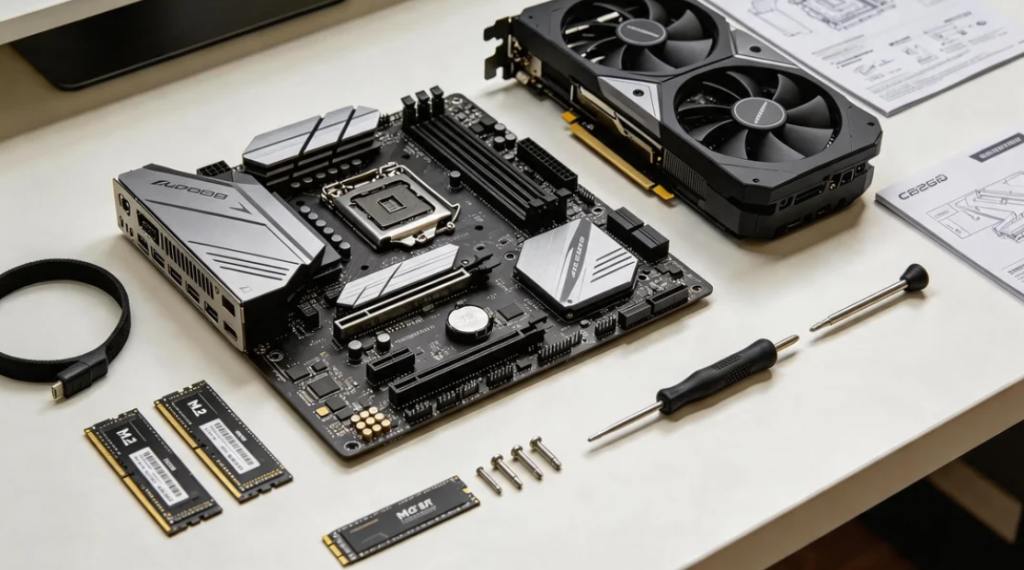
Comparing pc hardware parts on table, motherboard graphics card RAM SSD,
Core component buying tips
CPU (Processor)
For budget gaming, you do not need the most expensive CPU. Prioritize multi‑core performance that matches your graphics card. Do not over‑invest in the processor when your GPU is the main limiting factor for gaming. Make sure your CPU is fully compatible with your motherboard socket.
GPU (Graphics Card)
The graphics card is the most important part for gaming performance. On a budget, pick a mid‑range GPU rather than chasing the newest flagship model. Older‑generation mid‑range graphics cards often offer excellent value for money for 1080P gaming. Watch out for overpriced old low‑end cards with poor modern‑game performance.
RAM (Memory)
16GB RAM is the basic minimum for modern games. Some new open‑world games will take up a large amount of memory. 8GB RAM may cause stuttering or loading lag. Dual‑channel memory brings better performance than single‑channel sticks.
SSD Storage
Install your operating system and games on an SSD. Games load much faster on SSD compared to traditional HDD hard drives. Keep at least 15% free space on your SSD to maintain read‑write speed. You can use a low‑cost HDD only for storing old game files and media.
Motherboard & Power Supply
Do not skimp too much on the power supply. Choose a reliable‑brand power unit with enough wattage for your whole setup. A poor‑quality power supply can risk damaging your other hardware. The motherboard only needs to support your CPU and memory; you do not need expensive high‑end motherboards for budget builds.
Common mistakes to avoid for budget builders
1. Spending most money on CPU and ignoring GPU performance. Gaming performance mainly depends on the graphics card.
2. Buying very cheap unknown‑brand power supplies to cut costs.
3. Only using 8GB RAM for modern new‑release games.
4. Filling SSD to full capacity, which slows down read speed and causes game stuttering.
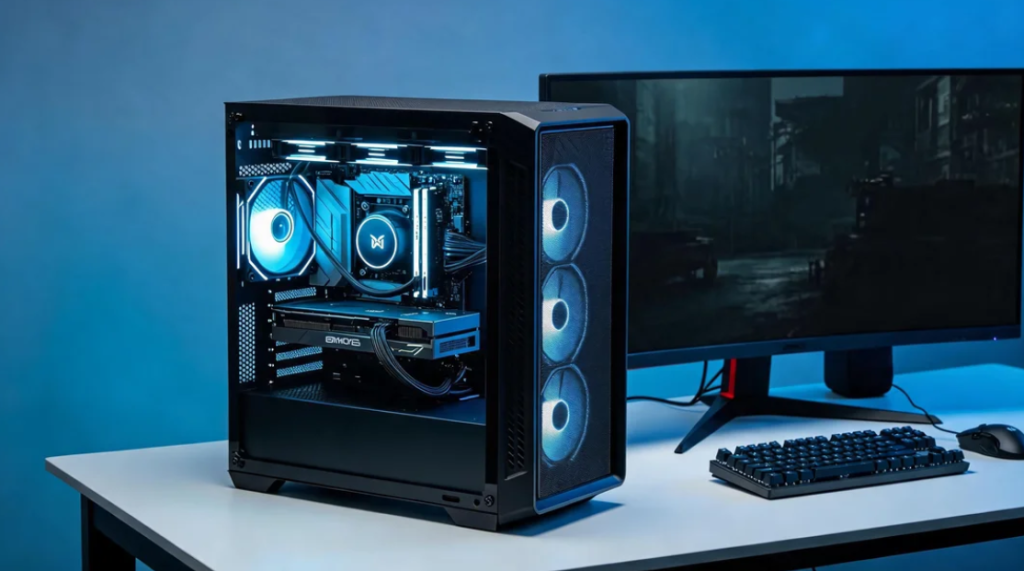
Finished budget gaming pc tower on desk, simple clean gaming setup,
Final advice
When you assemble a budget gaming PC, balance every part instead of putting all your budget into one single component. After finishing assembly, remember to install official graphics drivers and adjust in‑game graphic settings according to your real‑world frame‑rate test. You can get great gaming experience without paying premium flagship prices.